
 Harry Rapheal
Even when you know you should call for help, the fear of being pursued through an empty parking lot or along a dark street might keep you still.
However, a hidden feature that allows users to rapidly contact to emergency services has lately been unearthed by iPhone users.
The button on the side
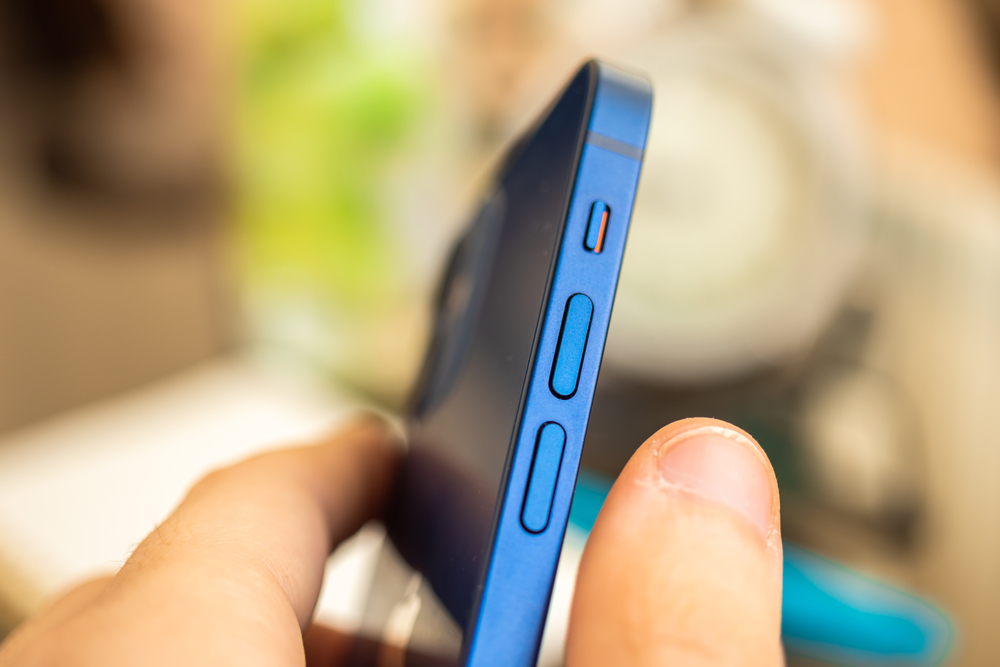
To initiate SOS Emergency Call, simply push the side button five times quickly. In addition to sharing your location with emergency personnel and your designated contacts, this automatically dials 911.
This life-saving feature, which was first available on Apple Watches, was added to iPhones with iOS 11. However, TikTokers and social media users are bringing it back into the spotlight by referring to it as a possible lifesaver.
According to the user, “the iPhone enters an emergency response system when you click the power button like that.” “It automatically calls emergency services if you don’t press cancel.”
Your iPhone notifies your emergency contacts via text message that you called 911 when the call is over. If you move while in SOS mode, the message updates your contacts and adds your current location.
The old iPhone trick
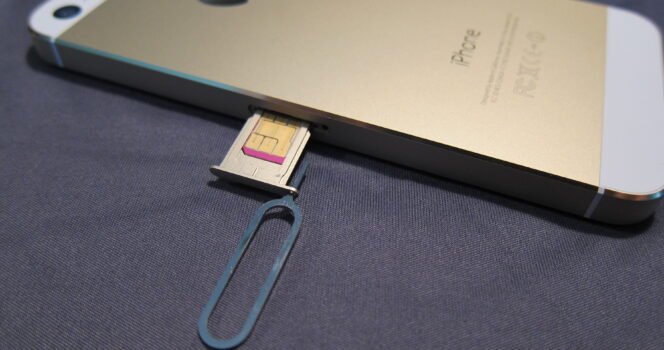
Do you have an old, functional phone laying around? The next time you’re out on the lake or in the bush, charge it, store it in a plastic bag to keep moisture out, and carry it with you. In an emergency, the phone can still dial 911 without a SIM card.
Apple expanded its emergency tools in 2022 with Emergency SOS via satellite for iPhone 14 users.
This feature allows you to send a message for help even when you’re out of cell service and Wi-Fi coverage. Messages are sent in about 15 seconds if your phone has a clear view of the sky, though obstacles like mountains or trees can slow the connection.
The satellite service works through 24 Globalstar satellites. Users point their iPhone at the sky, connect to a satellite, and their message is sent to the nearest emergency dispatch.
Open Settings, select Emergency SOS, and adhere to the on-screen directions to configure it. If you ever find yourself in a risky position, you can notify your emergency contacts and share your medical ID.
This little-known iPhone feature, which only requires five fast pushes of the side button to activate, could mean the difference between life and death.
Make sure to tell everyone you know about this tip, especially the one about carrying an old phone that is fully charged but does not have a SIM card. That one struck me as really brilliant!



GIPHY App Key not set. Please check settings